> ## Documentation Index
> Fetch the complete documentation index at: https://docs.morph-data.io/llms.txt
> Use this file to discover all available pages before exploring further.
#
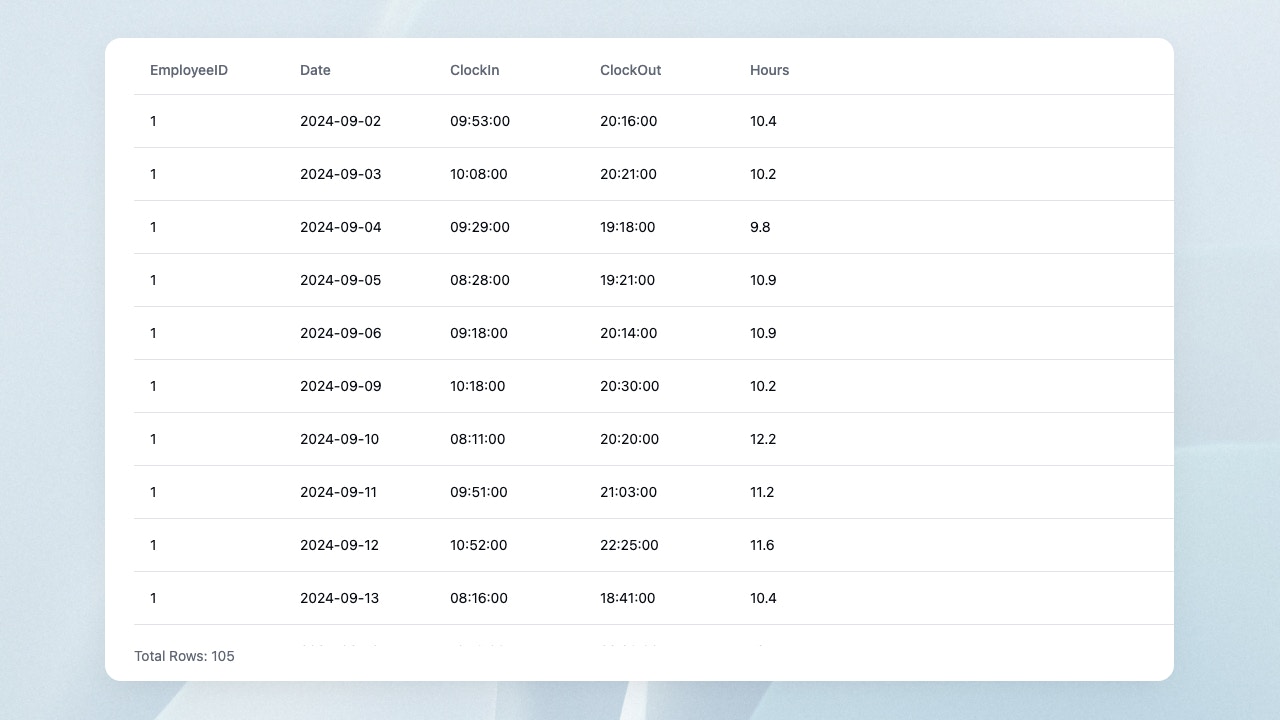 DataTableコンポーネントは、Python関数やSQLファイルの実行結果をテーブル表示します。
```tsx theme={"dark"}
```
## プロパティ
Python関数やSQLファイルの name
Python関数やSQLファイルに渡す変数。 `defineState()`関数 を使って宣言してください。
テーブルの高さ。単位はpxです。
表示するカラムの名前。順番も指定できます。
DataTableコンポーネントは、Python関数やSQLファイルの実行結果をテーブル表示します。
```tsx theme={"dark"}
```
## プロパティ
Python関数やSQLファイルの name
Python関数やSQLファイルに渡す変数。 `defineState()`関数 を使って宣言してください。
テーブルの高さ。単位はpxです。
表示するカラムの名前。順番も指定できます。