> ## Documentation Index
> Fetch the complete documentation index at: https://docs.morph-data.io/llms.txt
> Use this file to discover all available pages before exploring further.
#
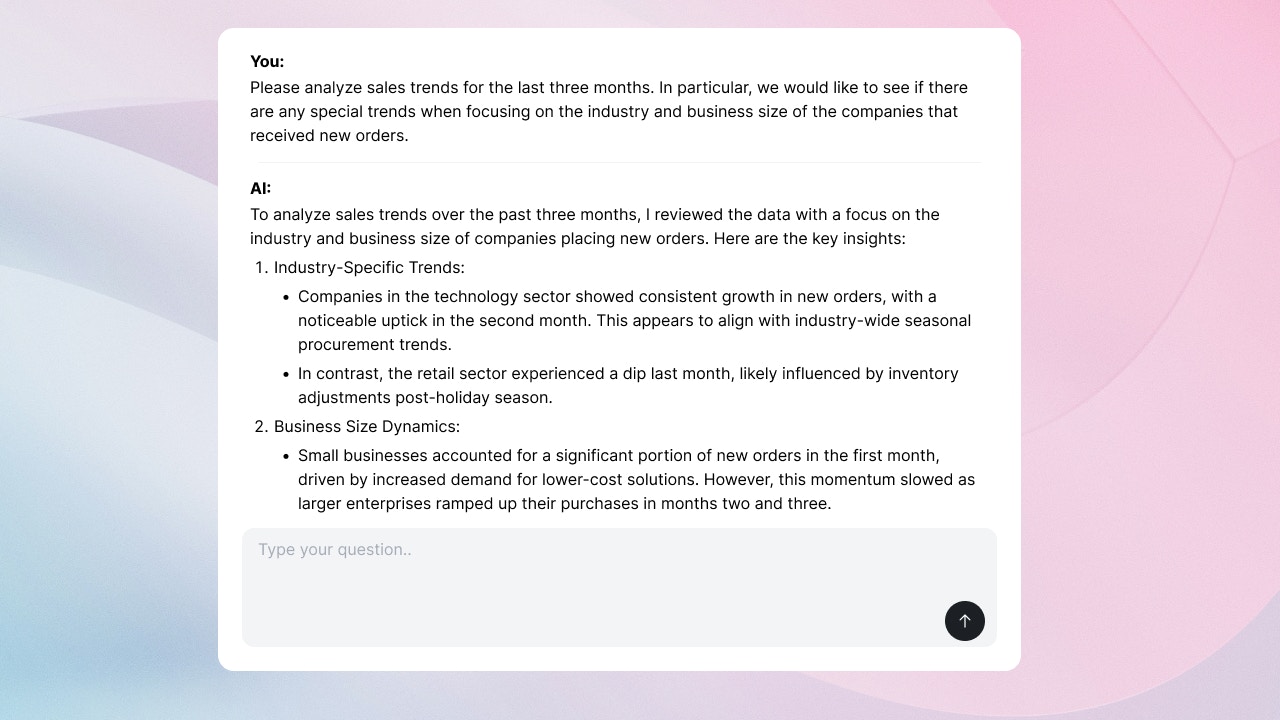 `` コンポーネントは、Open AIやAnthropicのAPIを用いて、カスタムAIチャットを実現するためのコンポーネントです。
```tsx theme={"dark"}
```
## `` のデータ仕様
`` コンポーネントは `postData` で指定されたPython関数に対して、以下のデータをデフォルトで送信します。
* `prompt`: ユーザーが入力したテキスト
* `thread_id`: AIとの会話のスレッドID。 "Start new thread" ボタンをユーザーが押した際などに新しい値に更新されます。
* `is_new_conversation`: 新しい会話が始まったかどうか。 "Start new thread" ボタンをユーザーが押した際などに `true` に更新されます。
これらのデータに加えて送りたいデータや、デフォルトのデータを上書きしたい場合には、 `variables` プロパティを使用してください。
## プロパティ
Python関数やSQLファイルの name
Python関数やSQLファイルに渡す変数。 `defineState()`関数 を使って宣言してください。
コンポーネントの高さ。単位はpxです。
`` コンポーネントは、Open AIやAnthropicのAPIを用いて、カスタムAIチャットを実現するためのコンポーネントです。
```tsx theme={"dark"}
```
## `` のデータ仕様
`` コンポーネントは `postData` で指定されたPython関数に対して、以下のデータをデフォルトで送信します。
* `prompt`: ユーザーが入力したテキスト
* `thread_id`: AIとの会話のスレッドID。 "Start new thread" ボタンをユーザーが押した際などに新しい値に更新されます。
* `is_new_conversation`: 新しい会話が始まったかどうか。 "Start new thread" ボタンをユーザーが押した際などに `true` に更新されます。
これらのデータに加えて送りたいデータや、デフォルトのデータを上書きしたい場合には、 `variables` プロパティを使用してください。
## プロパティ
Python関数やSQLファイルの name
Python関数やSQLファイルに渡す変数。 `defineState()`関数 を使って宣言してください。
コンポーネントの高さ。単位はpxです。