> ## Documentation Index
> Fetch the complete documentation index at: https://docs.morph-data.io/llms.txt
> Use this file to discover all available pages before exploring further.
#
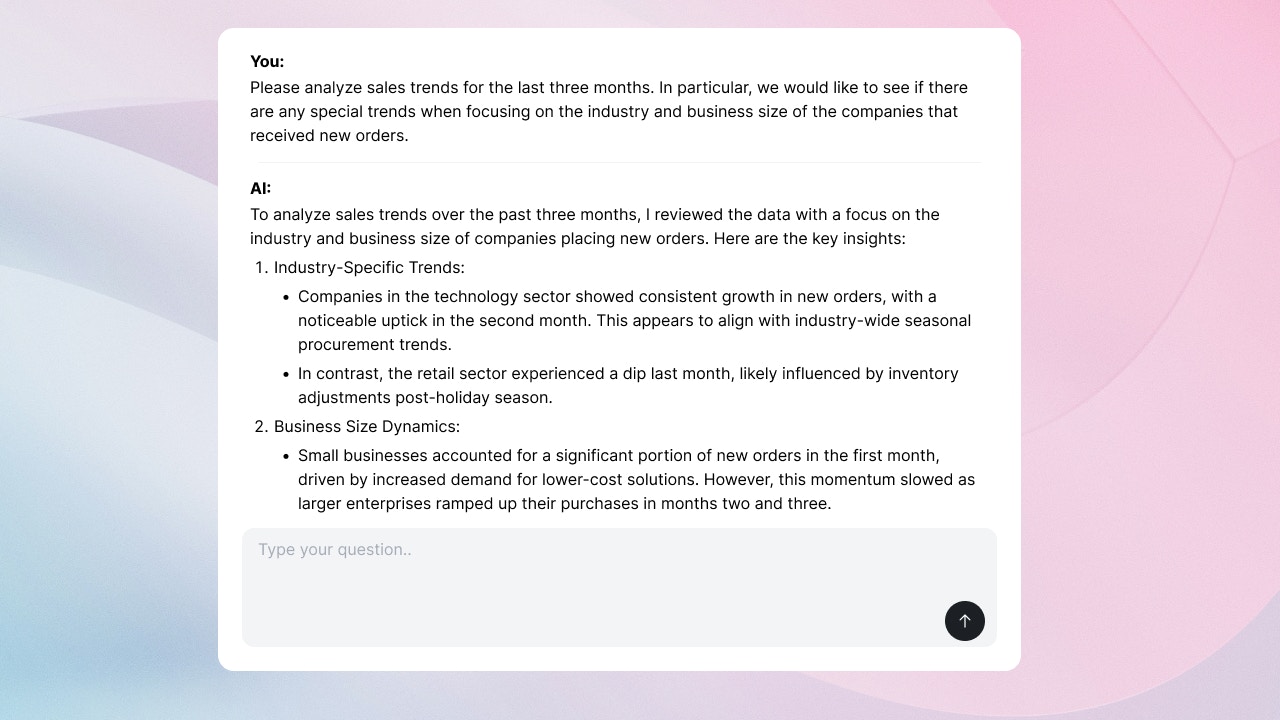 The `` component is used to create custom AI chats using APIs from Open AI and Anthropic.
```tsx theme={"dark"}
```
## `` Data Specification
The `` component sends the following data by default to the Python function specified in `postData`:
* `prompt`: The text input by the user
* `thread_id`: The thread ID of the conversation with the AI. This is updated to a new value when the user presses the "Start new thread" button.
* `is_new_conversation`: Whether a new conversation has started. This is updated to `true` when the user presses the "Start new thread" button.
If you want to send additional data or overwrite the default data, use the `variables` property.
## Properties
The name of the Python function or SQL file
Variables to pass to the Python function or SQL file. Declare them using the `defineState()` function.
The height of the component in pixels.
The `` component is used to create custom AI chats using APIs from Open AI and Anthropic.
```tsx theme={"dark"}
```
## `` Data Specification
The `` component sends the following data by default to the Python function specified in `postData`:
* `prompt`: The text input by the user
* `thread_id`: The thread ID of the conversation with the AI. This is updated to a new value when the user presses the "Start new thread" button.
* `is_new_conversation`: Whether a new conversation has started. This is updated to `true` when the user presses the "Start new thread" button.
If you want to send additional data or overwrite the default data, use the `variables` property.
## Properties
The name of the Python function or SQL file
Variables to pass to the Python function or SQL file. Declare them using the `defineState()` function.
The height of the component in pixels.